How to Ask Wedding Guests to Share Their Photos
A warm request explains why the photos matter, gives guests one clear way to share and leaves participation up to them.
The short answer
Ask kindly and without pressure. Tell guests why you would love to see their photos, give them one album link or QR code and make clear that sharing is optional.
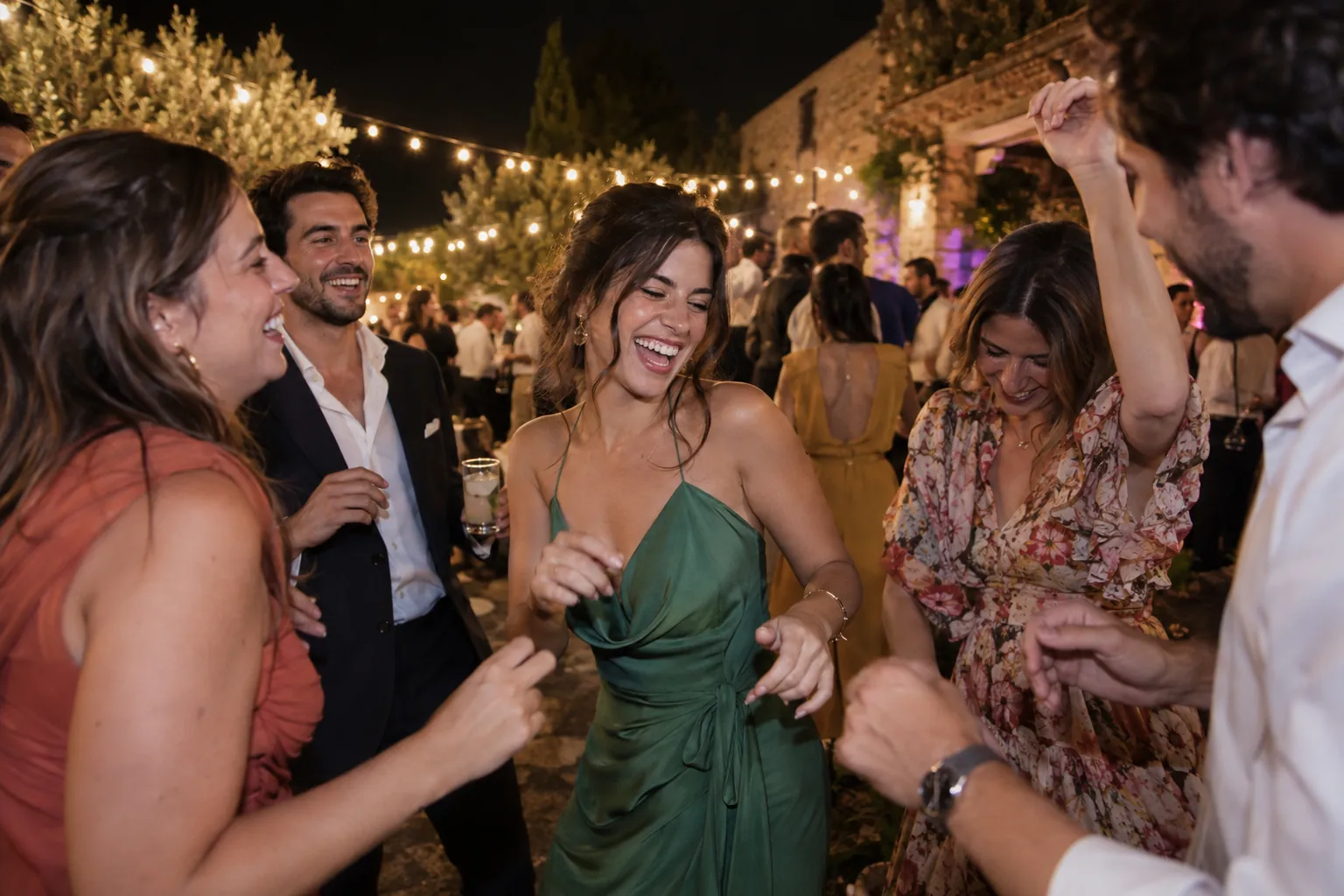
Asking guests to share photos is asking for a small glimpse of how they experienced your wedding. A warm note works better than a long set of instructions: say what you would love to see, where to share it and let everyone decide whether to take part.
When to ask guests
Mention it once before the wedding, then make the link visible on the day. A message in advance helps guests recognise the QR code; a table card puts it nearby when they take a picture. Afterwards, one thank-you with the same link gives people time to add photos later.
Messages you can adapt
Before the wedding
“We cannot wait to see the day through your eyes. We will have a shared album for any photos you would like to contribute. Open this link or scan the QR code at the tables.”
For a table card
“Caught a lovely moment? Scan the QR code and add it to our album. We would love to see it.”
After the wedding
“Thank you for celebrating with us and for sharing your photos. If you still have one on your phone, you can add it to the album here.”
What makes the request clear
- Say whether you are looking for candid photos, short videos or both.
- Use one link in your message and on the QR cards.
- Explain in plain language what happens after someone opens it.
- Make participation optional.
- Thank everyone without naming people who did not share.
Set up the album before sending the message so nobody saves an outdated link. Test it from another phone first. If you are choosing a place for the pictures, compare the options in our shared wedding photo album guide.
Day Ever After
One place for the photos from every table.
Create your wedding album and test the guest view from a phone before sharing the QR code.